





 購物車 / 產生報價單



取消
商品圖片僅供參考,選購時請再留意商品規格
商品圖片僅供參考,選購時請再留意商品規格
商品圖片僅供參考,選購時請再留意商品規格
商品圖片僅供參考,選購時請再留意商品規格
商品圖片僅供參考,選購時請再留意商品規格
商品圖片僅供參考,選購時請再留意商品規格
商品圖片僅供參考,選購時請再留意商品規格
商品圖片僅供參考,選購時請再留意商品規格
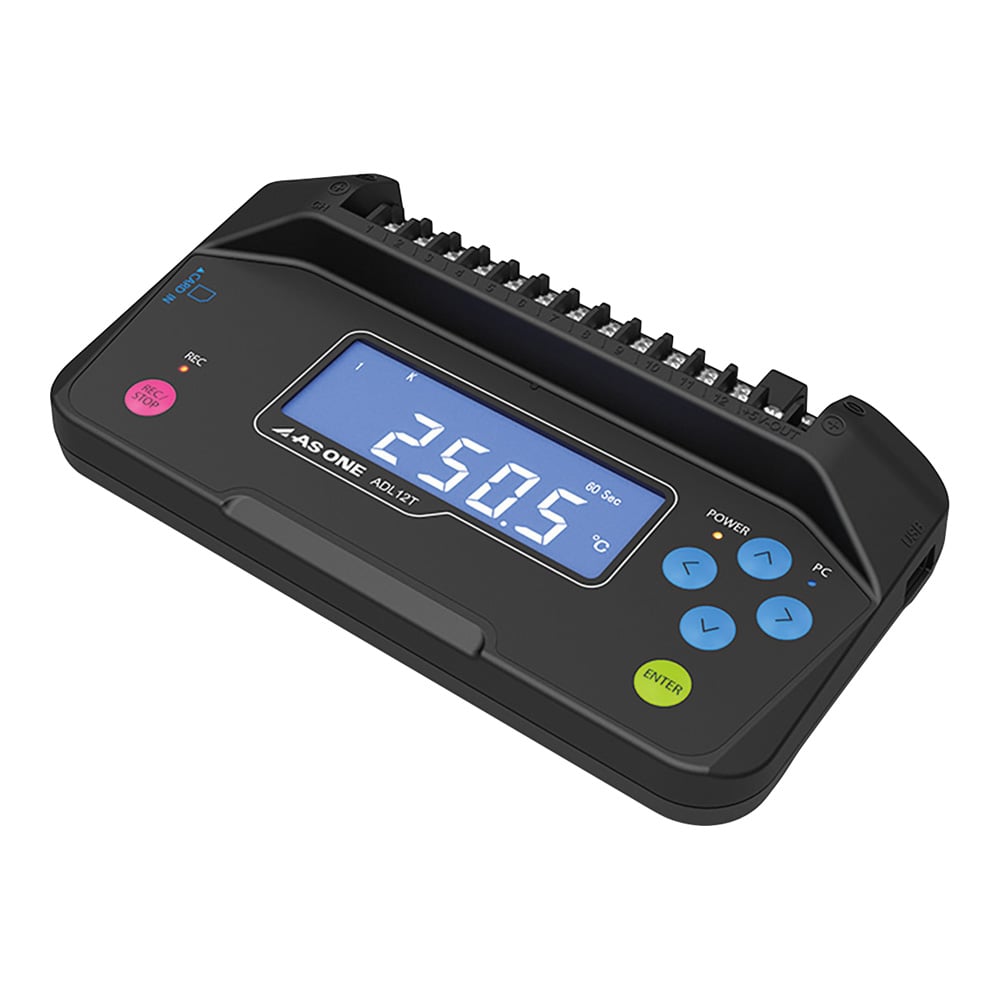
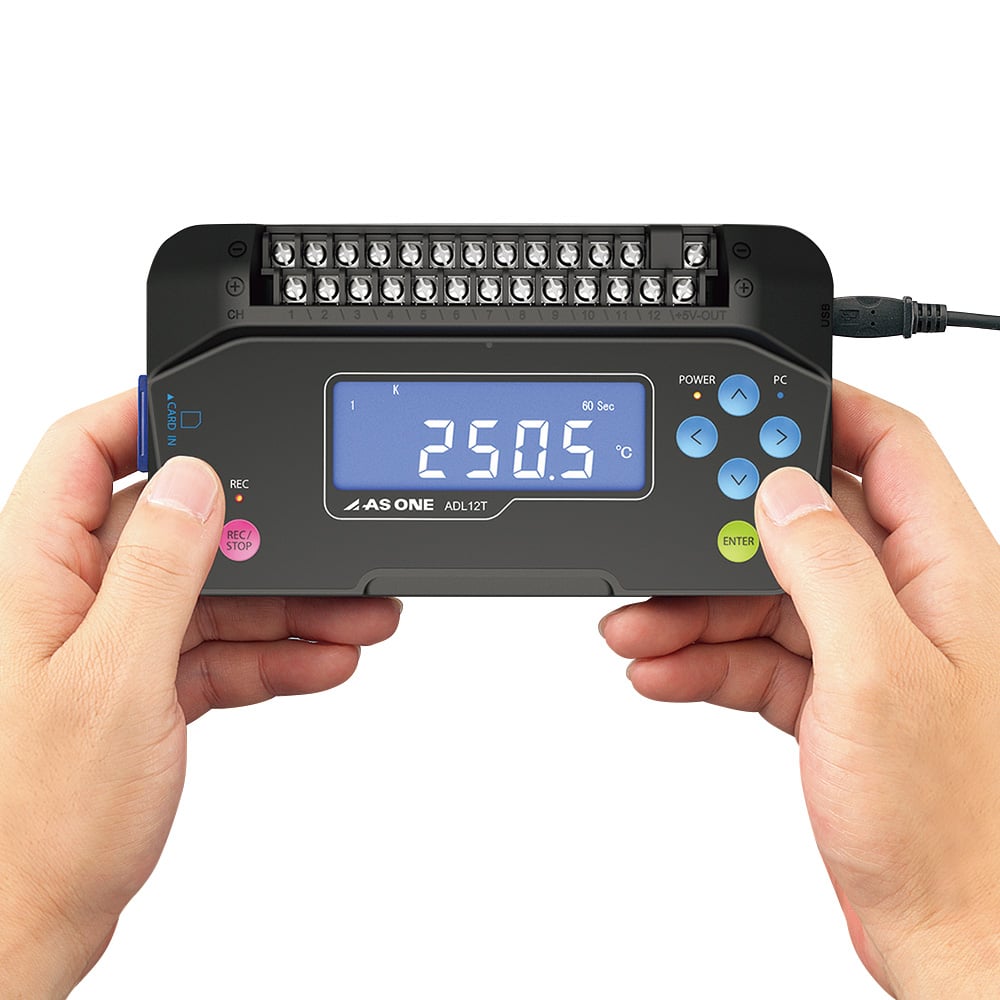
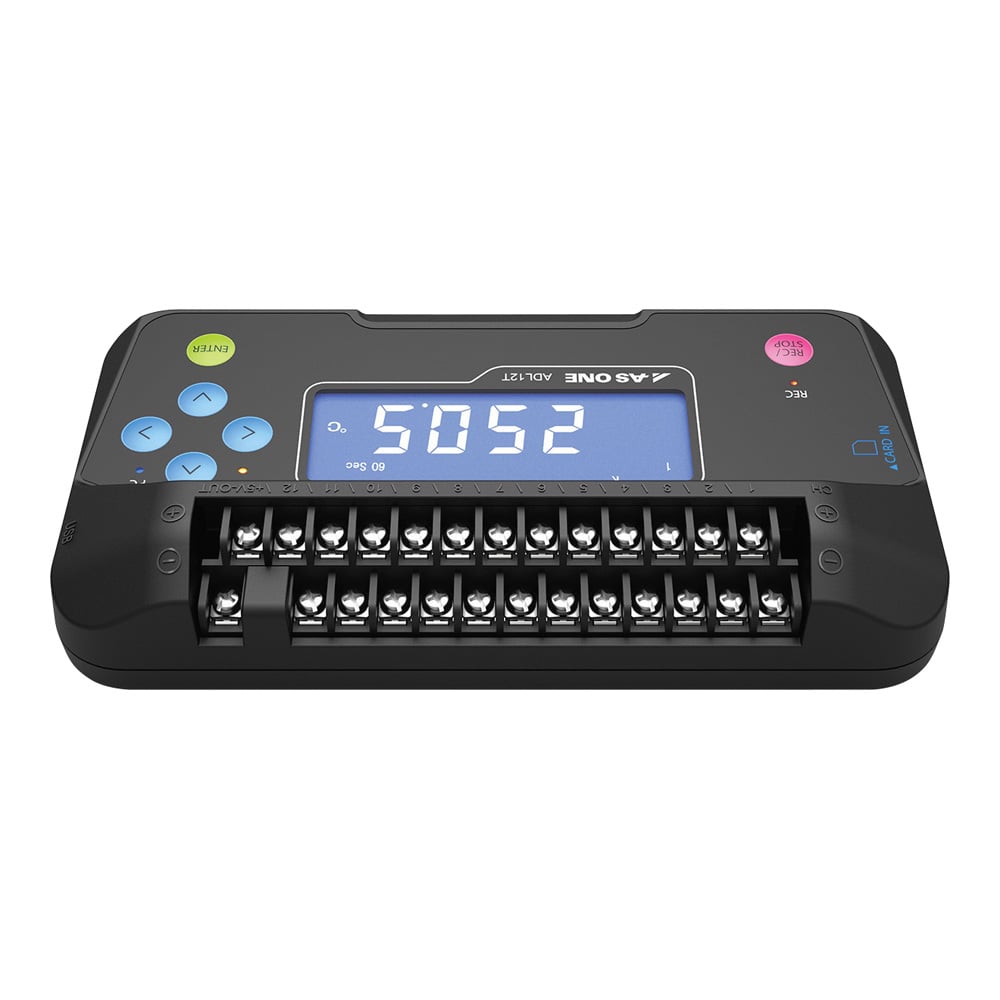
AS ONE Corporation 12通道資料記錄器 (溫度、電壓、濕度) ADL12T
商品包含多種型號及規格,請點選「立即選購規格」挑選
💡 重要通知:
因中東戰爭造成原物料波動影響,若訂單成立後進貨成本發生重大異動,我們將主動聯繫您協商處理。造成不便,敬請見諒。

月結報帳 / 信用卡 / 銀行轉帳

宅配快速到貨,滿 NT$ 999 元即享免運!
選購型號
商品介紹
Features
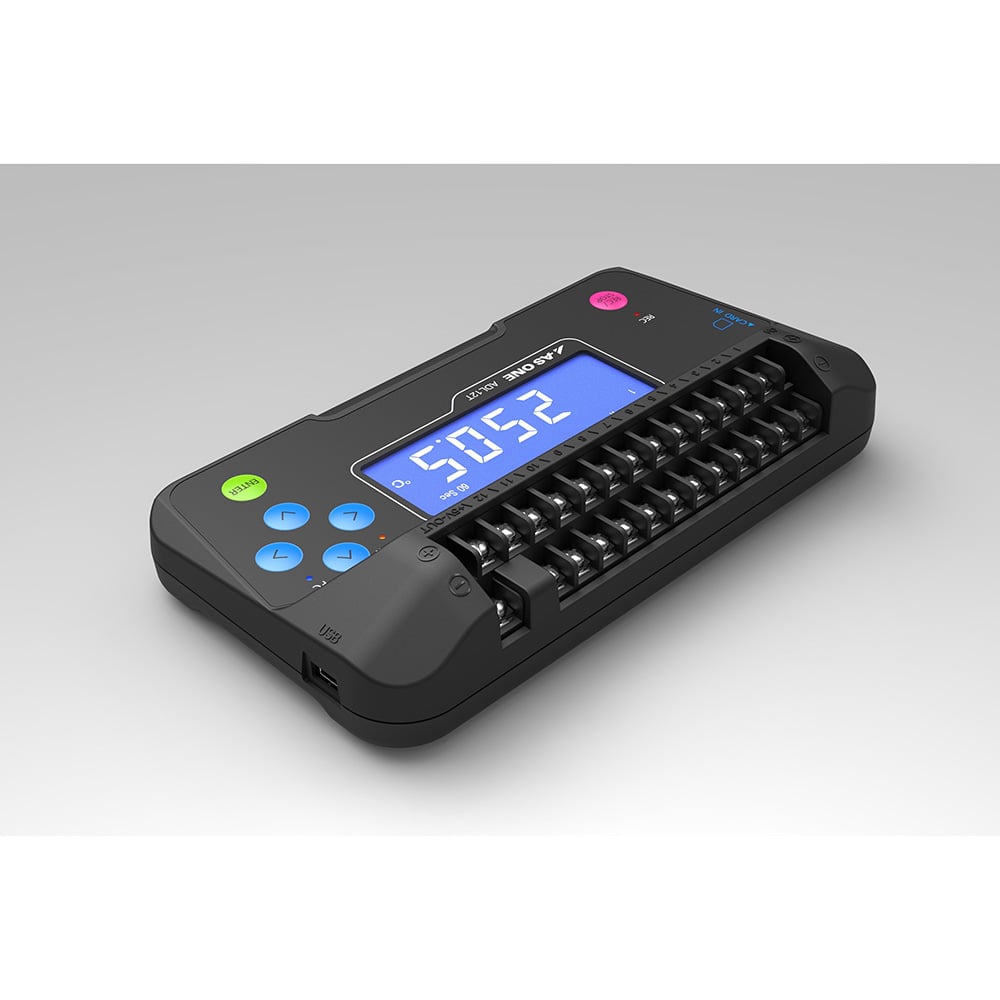
- This is a multi-logger that can measure thermocouple or DC voltage up to 12 channels (humidity measurement is only for 1 channel using +5 V and 12 channel ports).
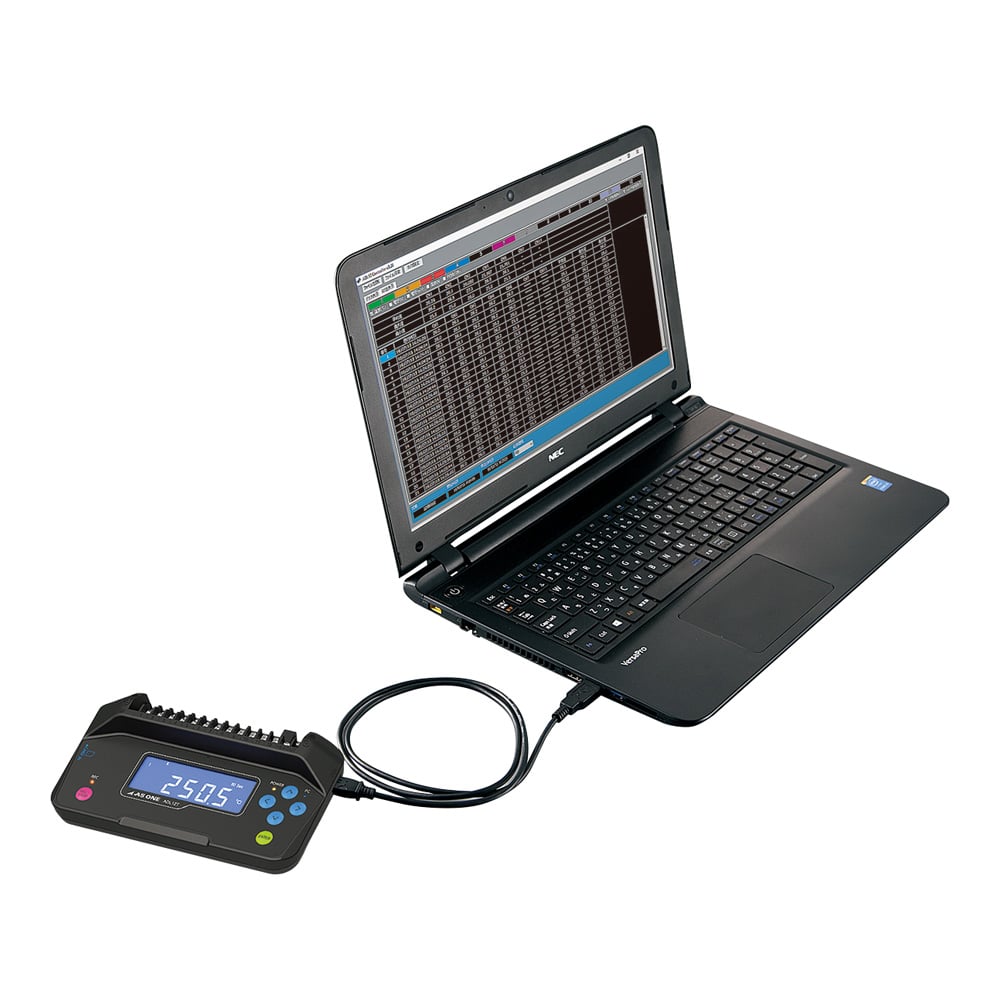
- You can measure graph display and list display by connecting the camera to a computer with a USB cable (application downloaded from the specified URL must be installed on the computer).
- Recorded data is recorded in CSV format on either the SD card or PC side.
- Recording can be moved to the PC via the USB cable (not during recording).
- USB power supply allows power supply from not only the included AC adapter but also various USB ports and portable batteries.
- Further evolution! SDHC is now available.
Specification
- Size (mm): 167 x 91 x 35.8
- Weight (g): about 250
- Power: AC Adapter or USB Input (USB A-miniB Cable 1 m Included)
- AC Adapter: Input/100 VAC ~240 VAC 50/60Hz 0.2 A, Output/5 VDC 1.0 A
- Specifications (Body)
- ▼ Thermocouple measurement: B, R, S, N, K, E, J, T (select one)
- ▼ Measurement Temperature Range: -200 °C to +1370°C (When K Thermocouple Is Used)
- ▼ Temperature accuracy: ±0.05%%%% of rdg +1.0°C (K: -100 °C to +1370°C at25°C)
- ▼ DC Voltage Measurement: 100/500 mV/1/5/10/50 V
- ▼ DC voltage measurement accuracy: ±0.1%%%% of F.S.
- ▼ AC100V
- ▼ Humidity measurement: 0~100%%%%RH
- ▼ Humidity Measurement Accuracy: ±5%%%%RH (TYP) (10~95%%%%RH at23°C)
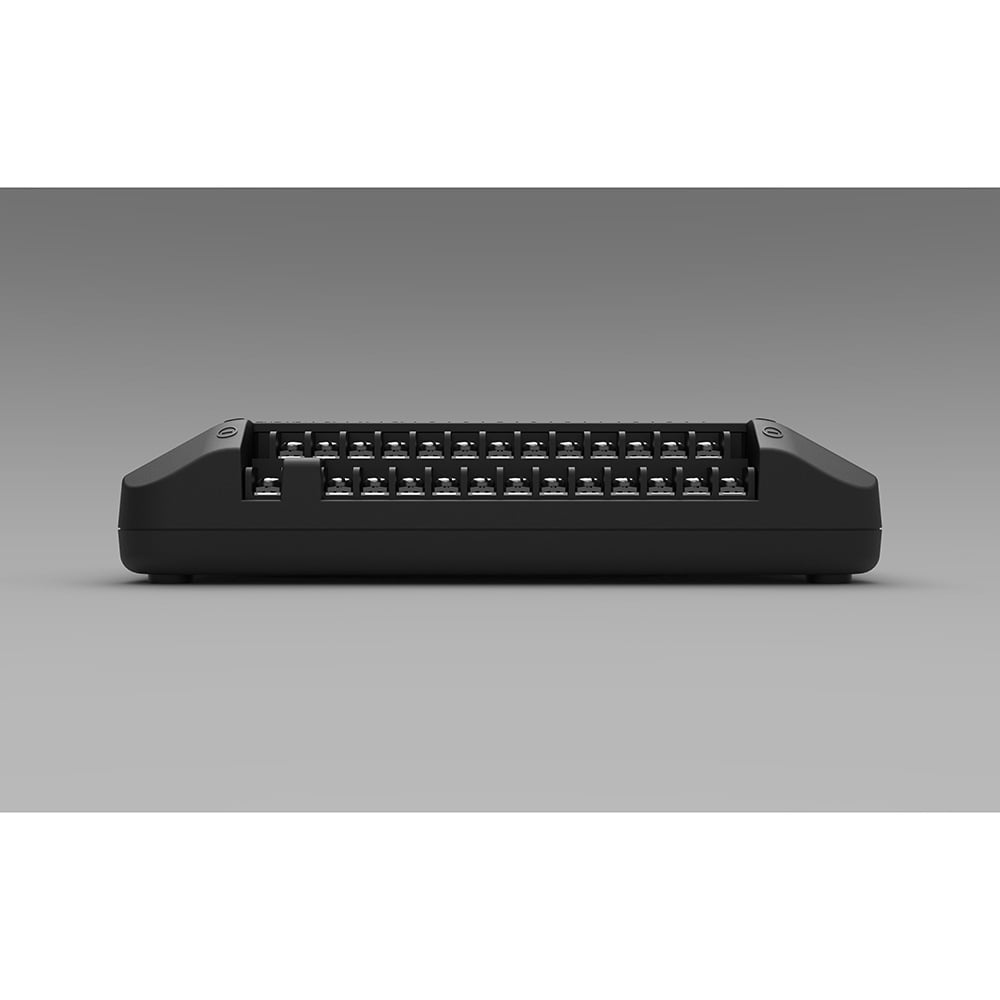
- ▼ Input Channel: Analog/12CH, +5V-OUT/1CH for Humidity Measurement
- ▼ Input Terminal Shape: Screw Type Terminal M3/* M3.5 (Outer Dimensions 6.2 mm or Less/Inner Diameter 3.2 mm or More)
- ▼ Sampling Frequency: 5, 10, 30, 60sec, 5, 10, 30, 60min
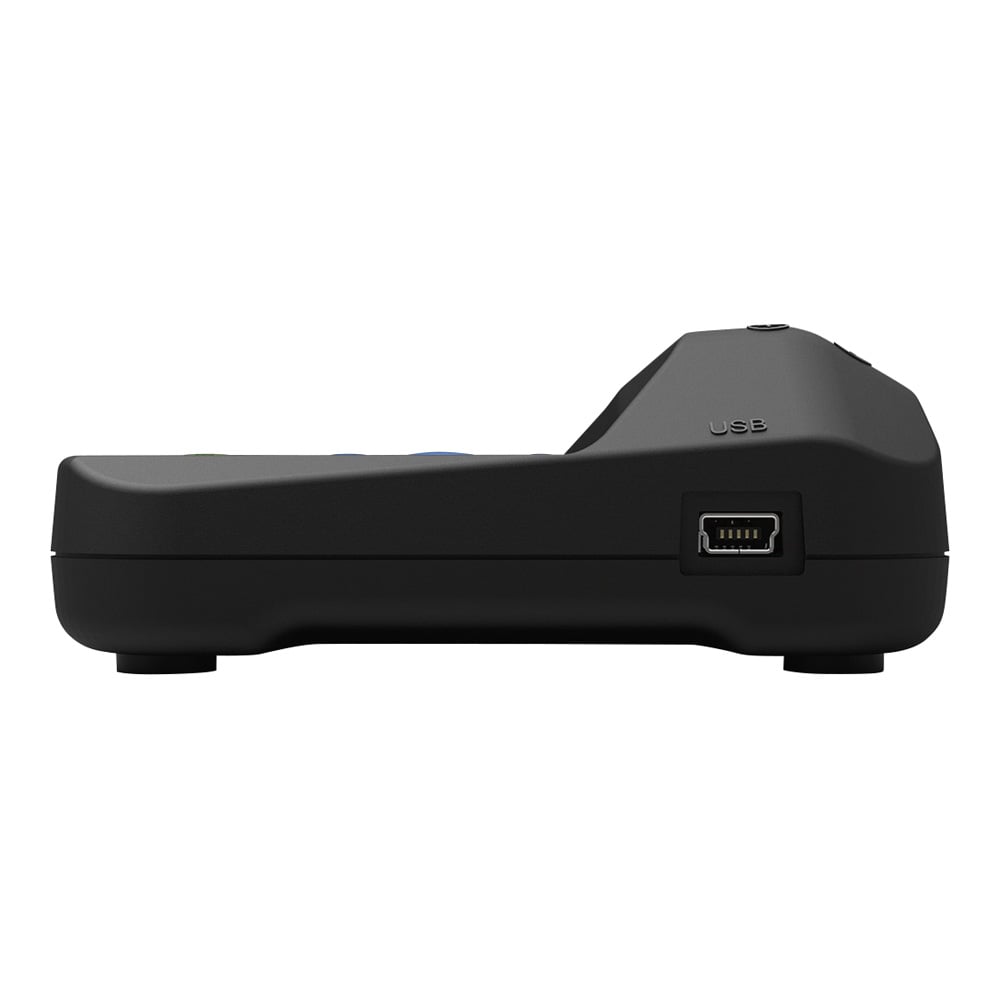
- ▼ PC I/F: USB2.0 (Full Speed) Mini B Type
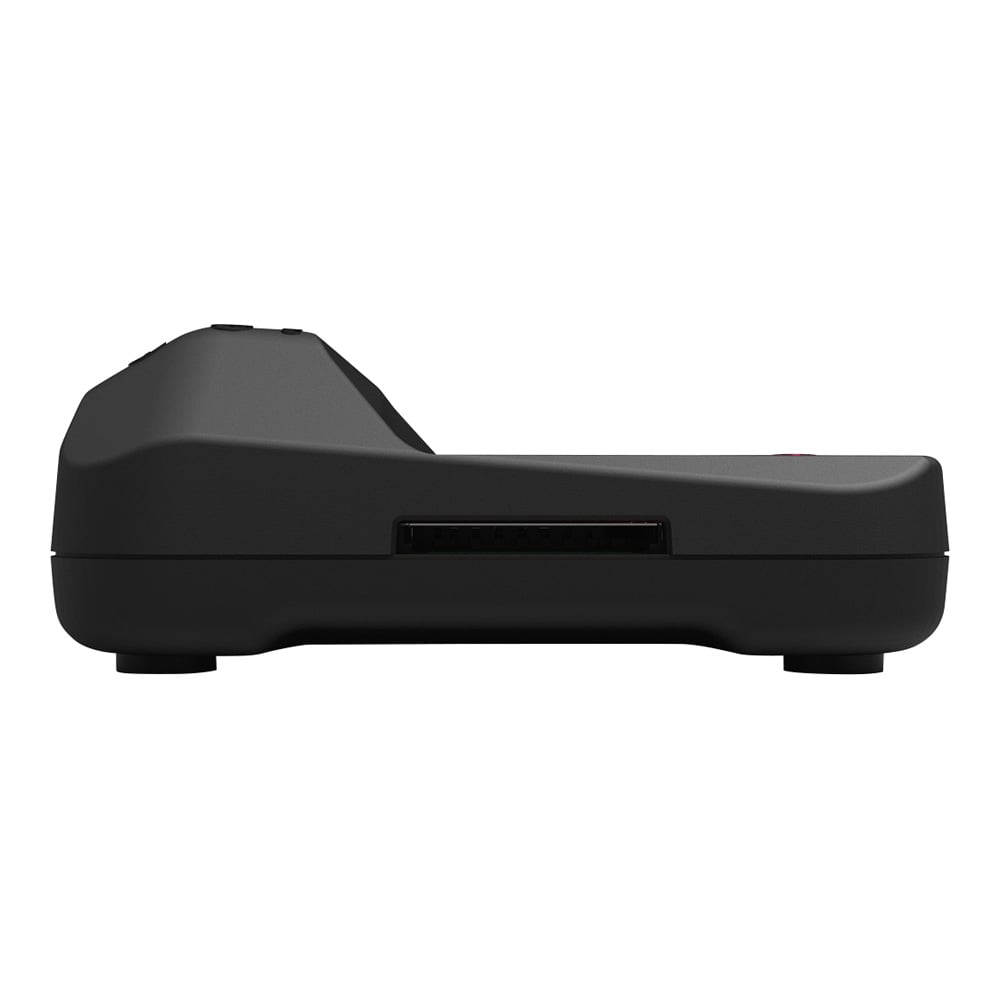
- ▼ Card slot: 1, SDHC compatible, Available memory: 64GB to 32GB (SDXC not available)
- ▼ Memory: PC storage using SD card application
- ▼ Recording format: Save in one file from the start of CSV recording
- ▼ Number of records: 5 million (2 GB)
- ▼ Accessories: Simplified manual, AC adapter, USB cable Approx. 1M (for power supply and communication)
- Specifications (Application)
- ▼ Supported OS: Windows?8/8.1/10 (32, 64bit)
- ▼ Functions: Real-time measurement on the application, start/stop recording, data saving, system settings, SD card data reading and display
- ▼ Display method: Graph display (with overlay display function), list display, maximum, minimum, average and comparison value display function of measured data
- *Connection wires such as thermocouples are not attached to the body. Please prepare according to the purpose.
- *We have rental machines.
- < a href="https://axel.as-1.co.jp/images/pdf/pb/3-6823-31/adl12_controller_v121.zip" rel="noopener nofollow" target="_blank" > Download the dedicated application (v121) here < /a >
- ▼ Windows?7/8/8.1/10 (32, 64bit)
- < a href="https://axel.as-1.co.jp/images/pdf/pb/3-6823-01/ADL12_Driver_V1.0.zip"rel="nofollow" > Click here if you need a driver for USB connection. < /a >
Package size
- 160x55x5mm
以上圖片及相關資訊由 AS ONE提供。
若有現場安裝、說明或特殊配送需求,歡迎事前與科研市集聯繫。部分商品因供應條件限制,可能無法提供相關服務,敬請見諒。